



What is PCIe 5.0?Is PCIe 5.0 Worth It? A Deep Dive into Speed and Performance
PCIe 5.0 doubles the previous generation’s bandwidth for faster, more stable data transfer.
As computing demands surge, PCIe 5.0 has emerged as the latest breakthrough in data transfer technology. Doubling the bandwidth of its predecessor, it delivers unprecedented speeds for AI computation, competitive gaming, content creation, and data analysis—unlocking performance levels that were previously unattainable. But what exactly is PCIe 5.0, and does it justify an upgrade? This guide covers the technical specifications, real-world performance comparisons with PCIe 4.0, and whether this next-generation interface is right for your needs.
What is PCIe 5.0?
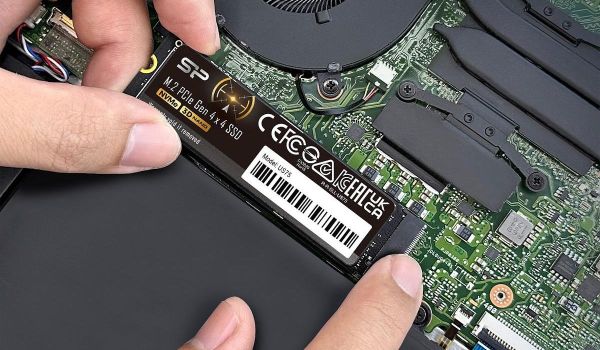
PCIe (Peripheral Component Interconnect Express) is a standard interface used on motherboards to connect various devices, with different numbers representing different generations. PCIe can be applied to graphics cards, network cards, and most commonly, solid-state drives (SSDs). When an SSD is labeled “PCIe SSD,” it means it can be inserted into a PCIe slot for use.
Computing has evolved dramatically. What once required basic word processing and web browsing now demands intensive video editing, software development, and AI workloads. This shift has created an unprecedented need for faster storage solutions. Enter PCIe Gen5, a major leap in read speeds and bandwidth that is redefining storage performance. Let's explore what makes Gen5 SSDs a game-changer.
PCIe Gen5 SSD Performance: How Fast Are We Talking?
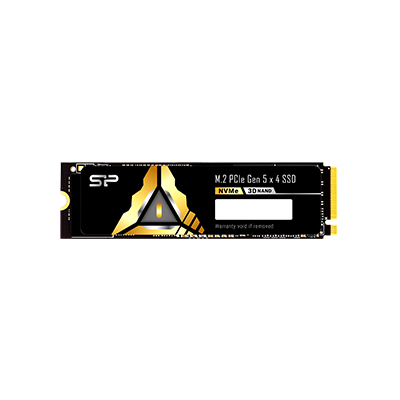
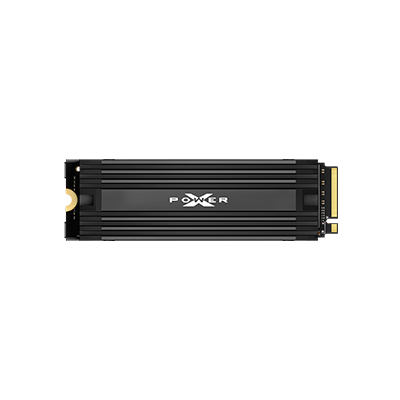
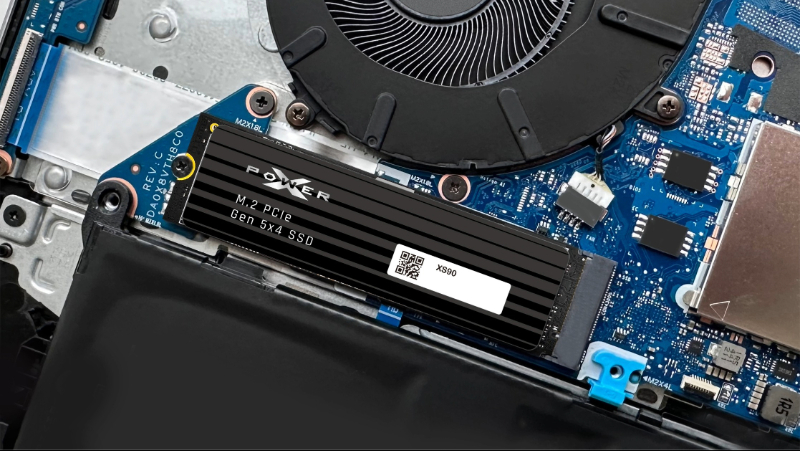
The speed difference between PCIe generations is staggering. Gen3 NVMe SSDs deliver read speeds around 3,200 to 3,500 MB/s, while Gen4 jumps to 7,000 to 7,500 MB/s. Gen5 breaks past the 10,000 MB/s barrier and more than doubles Gen4’s performance. Take the SP XS90, for instance: it peaks at 14,300 MB/s, showcasing the dramatic leap in capability.
Beyond impressive numbers, Gen5 fundamentally improves user experience. Enhanced data transfer efficiency reduces file access latency and boosts system responsiveness. Users experience faster OS boots, smoother application launches, and significantly improved performance when working with large files, providing advantages that compound during demanding workflows.
PCIe Gen5 vs. PCIe Gen4: Understanding the Difference
Gen5's advantages go deeper than headline speeds. It enhances per-lane throughput and reduces latency, making your entire system more responsive. The bandwidth leap is substantial: 32 GT/s transfer rates enable 128 GB/s bidirectional bandwidth, which is double Gen4's 64 GB/s limit. The result is a system that can handle twice the data flow without breaking a sweat.
|
Comparison Item |
PCIe Gen4 |
PCIe Gen5 |
|
Per-lane data rate (GT/s) |
16 GT/s |
32 GT/s |
|
Bandwidth |
~2 GB/s per lane |
~4 GB/s per lane |
|
Maximum theoretical bandwidth for x16 |
~32 GB/s (about 64 GB/s bidirectional) |
~64 GB/s (about 128 GB/s bidirectional) |
|
Maximum read speed |
~7,000 MB/s |
~10,000 MB/s |
|
Latency |
Norma |
Lower |
PCIe Gen5 SSD Applications
As gaming graphics reach new heights and 4K/8K video becomes standard, storage bottlenecks can cripple performance. PCIe Gen5 SSDs eliminate these constraints, processing massive files instantly to keep workflows fluid and games lag-free. Here's where Gen5 makes the biggest impact:
High-Performance Gaming
Gen5 SSDs slash game loading times, making them essential for expansive open-world titles and graphics-intensive AAA games. With DirectStorage support, loading screens become nearly instant, keeping you immersed in the action.
High-Resolution Video Editing
When editing 4K or 8K footage, the biggest concern is editing software crashes due to slow file loading when importing large media assets. PCIe Gen5 SSDs enable rapid import and real-time preview of high-resolution footage, ensuring smoother post-production and rendering workflows.
3D Rendering and Modeling
3D modeling requires rapid access to large files and assets. Traditional storage creates preview lag when modifying scenes, materials, or lighting. Gen5 SSDs' enhanced read speeds and bandwidth slash loading times, delivering smooth, stutter-free performance throughout the entire modeling and rendering process.
AI Computing
Training AI models means constantly feeding massive datasets to hungry GPUs. Gen5 SSDs keep pace with their high-speed reads and low latency, slashing data loading times so your GPUs spend less time waiting and more time computing. Faster data access translates directly to faster model development.
Should You Upgrade to PCIe Gen5?
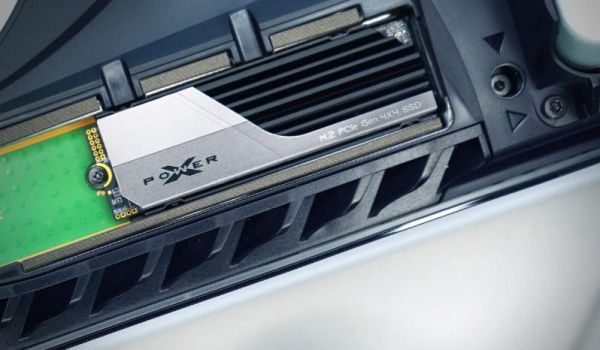
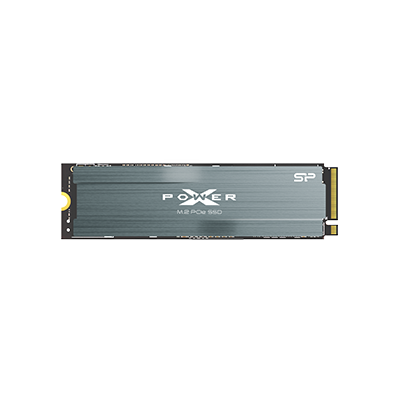
Gen5 represents the cutting edge, but the right choice depends on how you actually use your system. For everyday tasks such as document work, streaming, and web browsing, an upgrade offers little benefit. Gen4 delivers more than enough performance for typical users and casual gamers alike. Take the SP XPOWER US75: its 7,000 MB/s reads and integrated heat sink provide stable, reliable performance for gaming without breaking the bank.
Who should stick with Gen4?
Casual gamers, PS5 users, and hobbyist content creators on a budget will find Gen4 offers outstanding value without compromising performance.
Who needs Gen5?
Professional video editors working with feature-length 4K and 8K projects, 3D artists managing complex scenes, and power users requiring maximum bandwidth will immediately benefit from Gen5's capabilities because it is built specifically for these demanding workflows.
PCIe 5.0 SSD FAQ
• • •