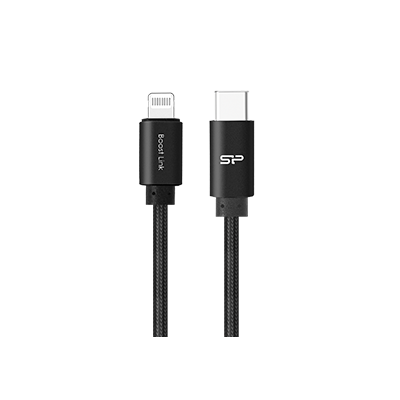




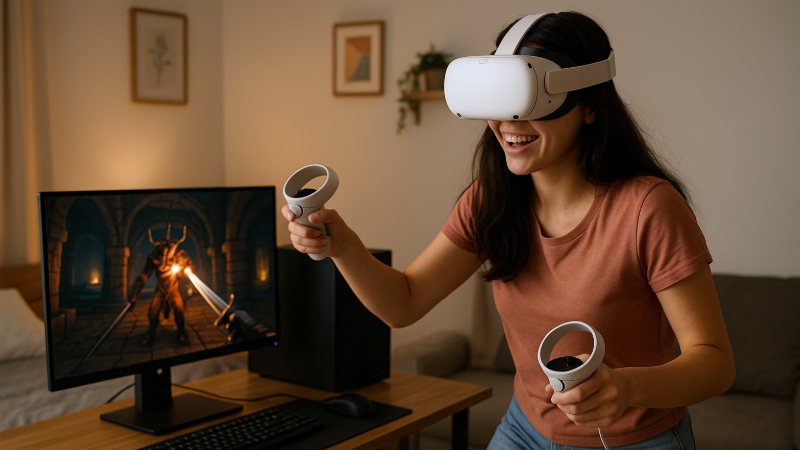
Connecting your VR headset to a computer allows you to experience significantly enhanced gaming performance.
Product Line: Accessories
Application Scenario: VR Devices
Virtual reality headsets deliver incredible 360° immersive experiences that revolutionize both work and entertainment. But if you want to elevate your VR gaming to the next level, here's the game-changer: connecting your VR device to a PC via USB-C cable. This straightforward upgrade dramatically reduces latency, amplifies performance, and unlocks your entire Steam VR gaming library for buttery-smooth gameplay. Ready to transform your VR gaming sessions into truly lifelike adventures? Let's show you how!
Supercharge Your VR Experience with High-Speed USB-C
VR enthusiasts who choose headsets like Meta Quest or HTC Vive know the appeal of total immersion. But there's a way to push that experience even further. By linking your VR headset to a computer, you tap into superior processing power that enables:
- Access to the full Steam VR game catalog
- Significantly improved graphics quality
- Noticeably smoother frame rates
- Reduced input lag for more responsive gameplay
What You'll Need (Meta Quest Example)
Before diving in, gather these essentials:
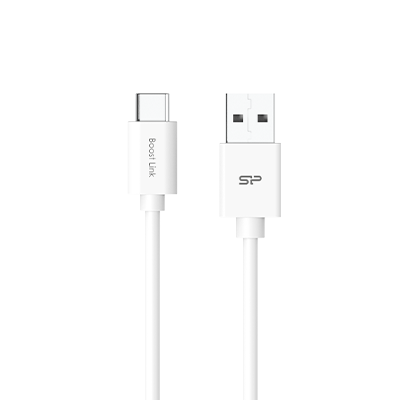
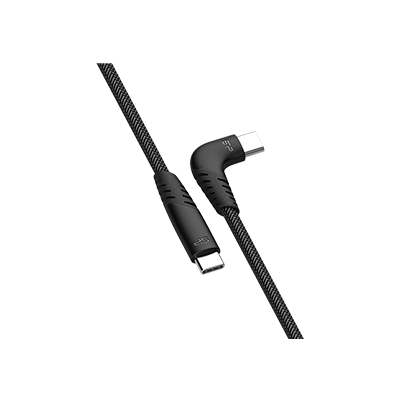
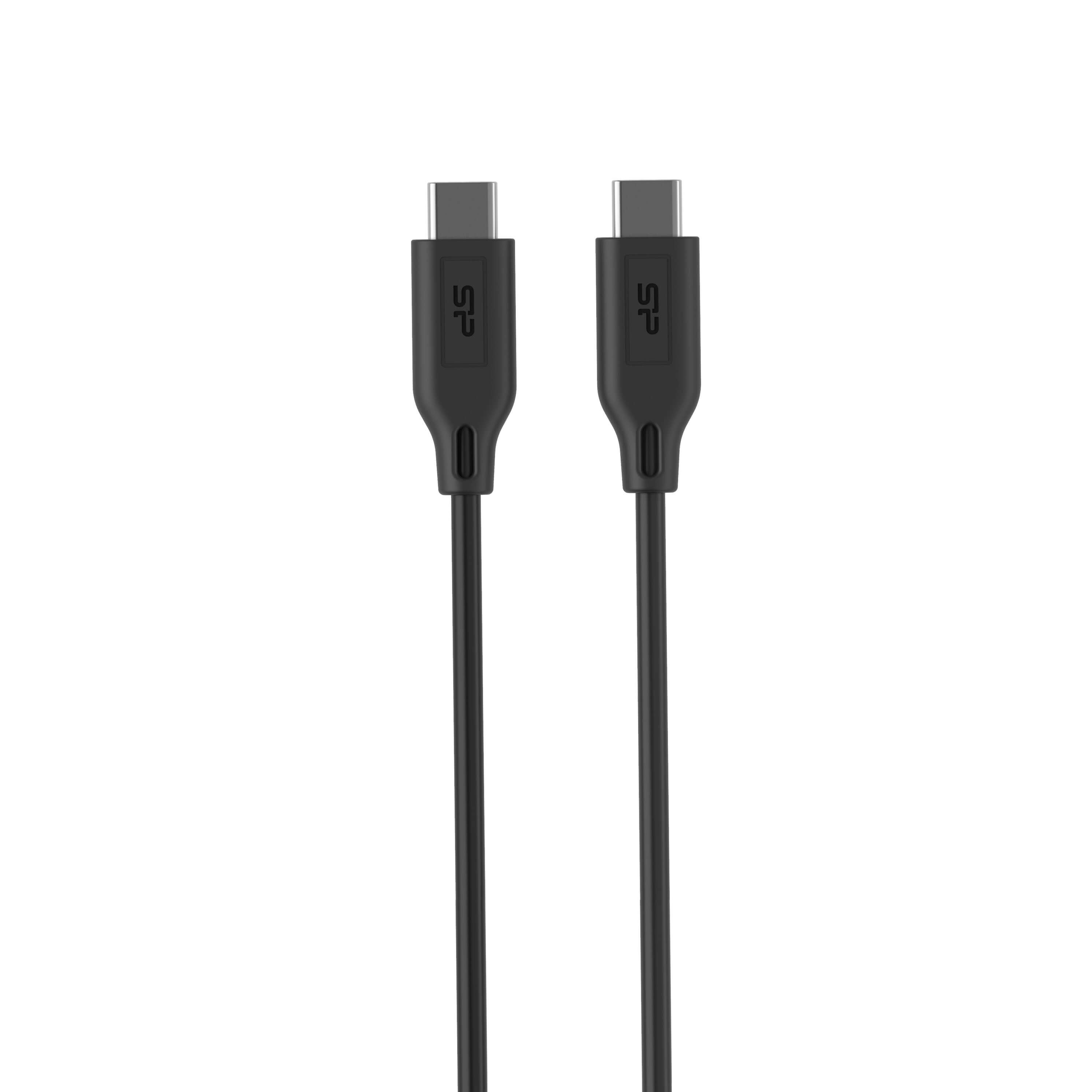
- USB-C 3.2 cable with 5Gbps data transfer capability
- Power rating of 3A or 5A for reliable performance
- Meta Quest Link app installed on your PC (latest version)
- Updated firmware on your Meta Quest headset
- 5GHz Wi-Fi network for optimal wireless performance
Simple Setup Steps
Getting connected takes just minutes:
- Connect the cable between your VR headset and PC's USB-C port
- Open the quick menu by pressing the Meta/Oculus button on your controller
- Access Quick Settings by tapping the clock icon on the left
- Select "Link" and choose your PC from the available devices
- Confirm the connection and you're ready to play!
Bonus Feature: Share the Experience
Once connected, you can mirror your VR view to your computer monitor—perfect for letting friends and family watch your gameplay or for creating content. It's an easy way to bring others into your virtual world!
• • •