


Complete USB OTG Guide: Everything You Need to Know About On-The-Go Technology
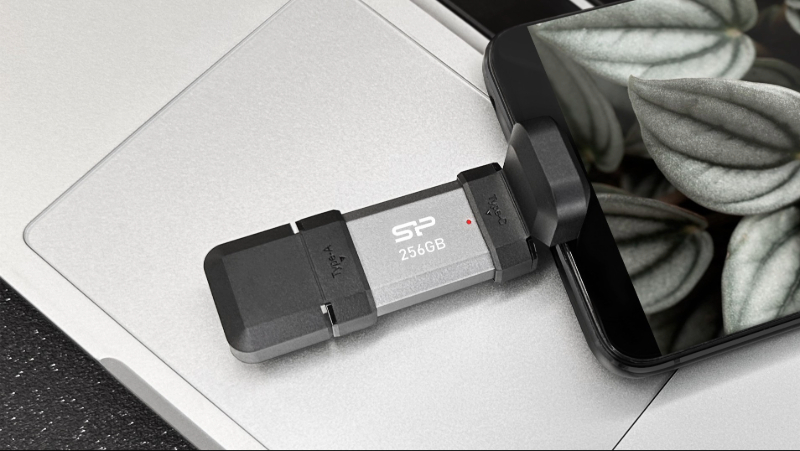
Using OTG technology, your phone can act like a computer, directly connecting to a USB drive and managing files!
Modern smartphones have evolved far beyond simple communication devices. Today's mobile phones serve as powerful productivity tools, data storage hubs, and connection points for countless peripherals. At the heart of this versatility is USB OTG (On-The-Go) technology—a feature that turns your smartphone into a portable powerhouse. But what exactly is OTG, and how can you leverage it? This comprehensive guide answers all your burning questions about USB OTG functionality, compatibility, and practical applications.
Understanding USB OTG: What Makes It Special?
USB On-The-Go represents a fundamental shift in how mobile devices interact with peripherals. Traditionally, connecting a flash drive to your phone required a computer as an intermediary. The computer served as the "host" controlling both your phone and the storage device. OTG technology eliminates this middleman.
With OTG, your smartphone assumes the host role, directly communicating with USB accessories just like a desktop computer would. The phone issues commands, manages file transfers, and controls connected devices independently. Most OTG cables feature a standard USB-A port on one end and a USB-C or Micro-USB connector on the other, creating a bridge between your mobile device and traditional USB peripherals.
What sets OTG apart is its plug-and-play simplicity. No special software installation, no complicated setup procedures—just connect and go. This seamless functionality makes data management significantly more convenient, especially when you're away from your computer.
Practical Applications: What Can You Do With USB OTG?
USB OTG extends your smartphone's capabilities in numerous ways. Here are the most valuable use cases:
Instant File Management and Backup
Connect flash drives or external SSDs directly to your phone or tablet for immediate access to additional storage. Transfer photos, videos, documents, and other files without touching a computer. This proves particularly useful for backing up important data on the go or freeing up internal storage space quickly.
Gaming and Productivity Enhancement
Transform your mobile gaming experience by connecting controllers designed for consoles or PCs. Whether you're playing action games on your tablet or mobile titles on your phone, a physical controller provides precision and comfort that touchscreens can't match. Similarly, connect a full-size keyboard and mouse to your tablet for a laptop-like productivity experience when working remotely.
Mobile Printing Solutions
Need to print a document immediately? With an OTG cable and a compatible printing app such as PrintHand, you can connect your smartphone directly to a printer. Print boarding passes, contracts, photos, or any file stored locally on your device without cloud uploads or computer transfers. This feature is invaluable for business travelers and mobile professionals.
Photography Workflow Optimization
Photographers and content creators can streamline their mobile workflow by connecting card readers via OTG. Insert your camera's memory card into an OTG-compatible reader, connect it to your phone, and instantly review, organize, and share your latest shots. This eliminates the need to carry a laptop during photo sessions or while traveling, significantly reducing your equipment burden.
Checking Your Device's OTG Compatibility
Not all smartphones support OTG functionality, though most modern devices do. Here's how to verify compatibility before investing in OTG accessories:
-

Perform a Physical Test
If you have access to an OTG cable and a USB drive, simply connect them to your phone. Compatible devices will display a notification indicating a USB device has been connected, and the file manager app should show the external storage. No response usually means your device lacks OTG support. -
Review Manufacturer Specifications
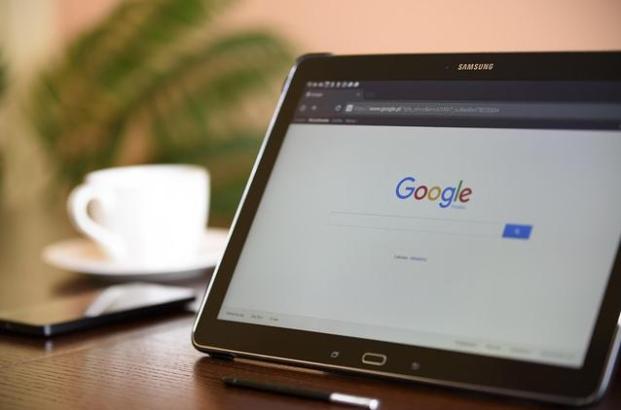
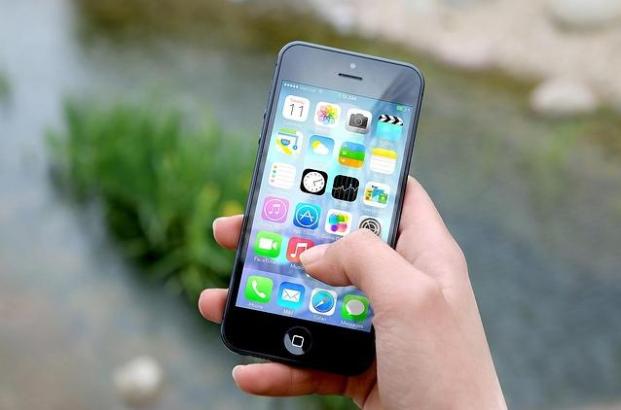
Check your phone’s manual or official product page to see if it supports OTG. Most Android devices, like Samsung Galaxy and Google Pixel, include OTG support. Apple devices running iOS 13 or later also allow external storage connections via Lightning or USB-C, making it easy to access files without a computer. -
Use Compatibility Apps
Download a verification app like USB OTG Checker from your device's app store. These lightweight tools instantly analyze your phone's hardware and confirm whether OTG functionality is available. This takes seconds and provides definitive answers.
Key Advantages of USB OTG Technology
USB OTG delivers tangible benefits that enhance mobile device usability:
Computer-free operations: Manage, transfer, and organize files entirely from your mobile device without requiring a computer intermediary.
Enhanced portability: Access large storage capacities and professional peripherals while traveling light, making smartphones and tablets more versatile for work and creative projects.
Immediate accessibility: Plug-and-play functionality means instant connections without waiting for software installations or driver downloads.
USB OTG technology bridges the gap between mobile convenience and desktop-level functionality, making your smartphone a truly comprehensive tool for modern digital life.
FAQ
• • •