


External SSD for Video Editing: Portable and Fast for On-the-Go Projects
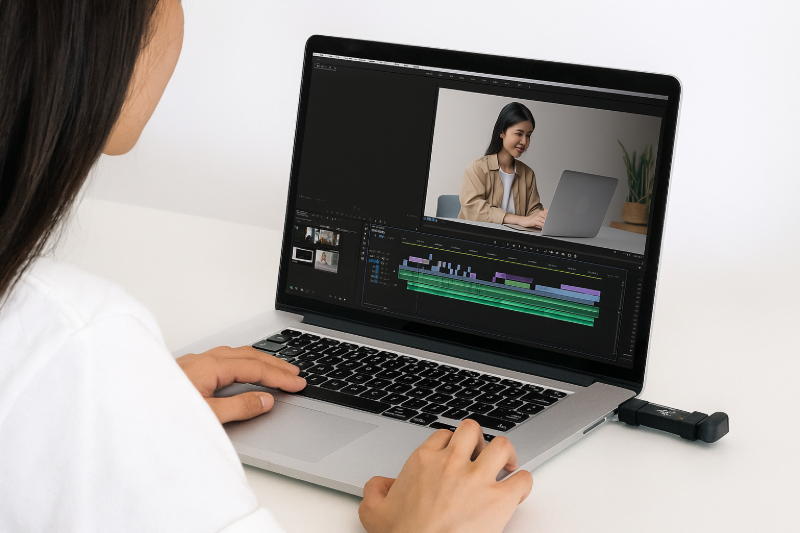
Edit videos anywhere with an external SSD—save space and work freely! (AI-generated image)
Product Line: External SSD
Application Scenario: Video Editing
For editors, video files and projects are valuable assets, but computer storage is often limited. Using a high-speed external SSD for video editing solves this problem. You can store footage and projects on the SSD, plug it into your computer, and start editing immediately. This frees up space, allows editing anywhere, and protects your data even if your computer fails, offering convenience and peace of mind.
External SSDs Keep Your Editing Workflow Smooth Anywhere
Many editors, YouTubers, and content creators start by storing footage and projects directly on their computers, only to find that storage runs out quickly. Upgrading internal drives can be time-consuming and costly, and buying a computer with large storage increases upfront expenses.
A better solution is to use an external SSD for video editing. Store all your footage and project files on it to free up computer space while keeping your work portable. Simply plug the SSD into your computer to access files instantly. Whether in the studio or on the go, you get fast, seamless editing without interruptions.
Three Advantages of Using an External SSD for Editing
Faster Editing Speed
While some use external HDDs to store footage, their slower read and write speeds can make accessing large files in real time difficult. Modern external SSDs rival internal SSDs, often reaching 1000–2000 MB/s or higher. This allows smooth editing even with multiple clips, and exporting projects remains fast and efficient.
Portable and Highly Expandable
External SSDs are extremely compact, often the size of a small coin purse or USB drive, making them easy to carry. Expanding storage is also more affordable than upgrading an internal drive. For example, the SP DS72 2TB costs about $140, while upgrading a laptop's internal drive by 1TB through repair services may cost around $185.
Enhanced File Security
Backing up media and source files is essential for video editors. Storing files only on a computer risks data loss if the device fails. Using an external SSD provides an extra layer of protection, allowing you to continue working on another device immediately. For full data security, combine an external SSD with an external HDD for long-term storage and follow the 3-2-1 backup rule.
How to Choose an External SSD for Video Editing?
While using an external SSD for editing offers many benefits, selecting the right model is crucial. Here are key tips for choosing an external SSD for editing, focusing on three main points:
• Read/Write Speed
• Capacity and size
• Durability
For smoother editing, choose an external SSD with read and write speeds of at least 1000MB/s. Fast read speeds are essential for seamless import and export of footage, quicker application launches, and faster file transfers. A minimum capacity of 2TB is recommended to store multiple project assets at once. Select a compact, portable design such as the SP DS72, which is the size of a flash drive and fits easily in your bag. Durability is also important, so consider models that are shock-resistant and waterproof. Dual-interface options like the DS72, supporting both USB-A and USB-C, allow easy switching between laptops, tablets, and smartphones.
• • •